
SuperFlyer
Comics that move.
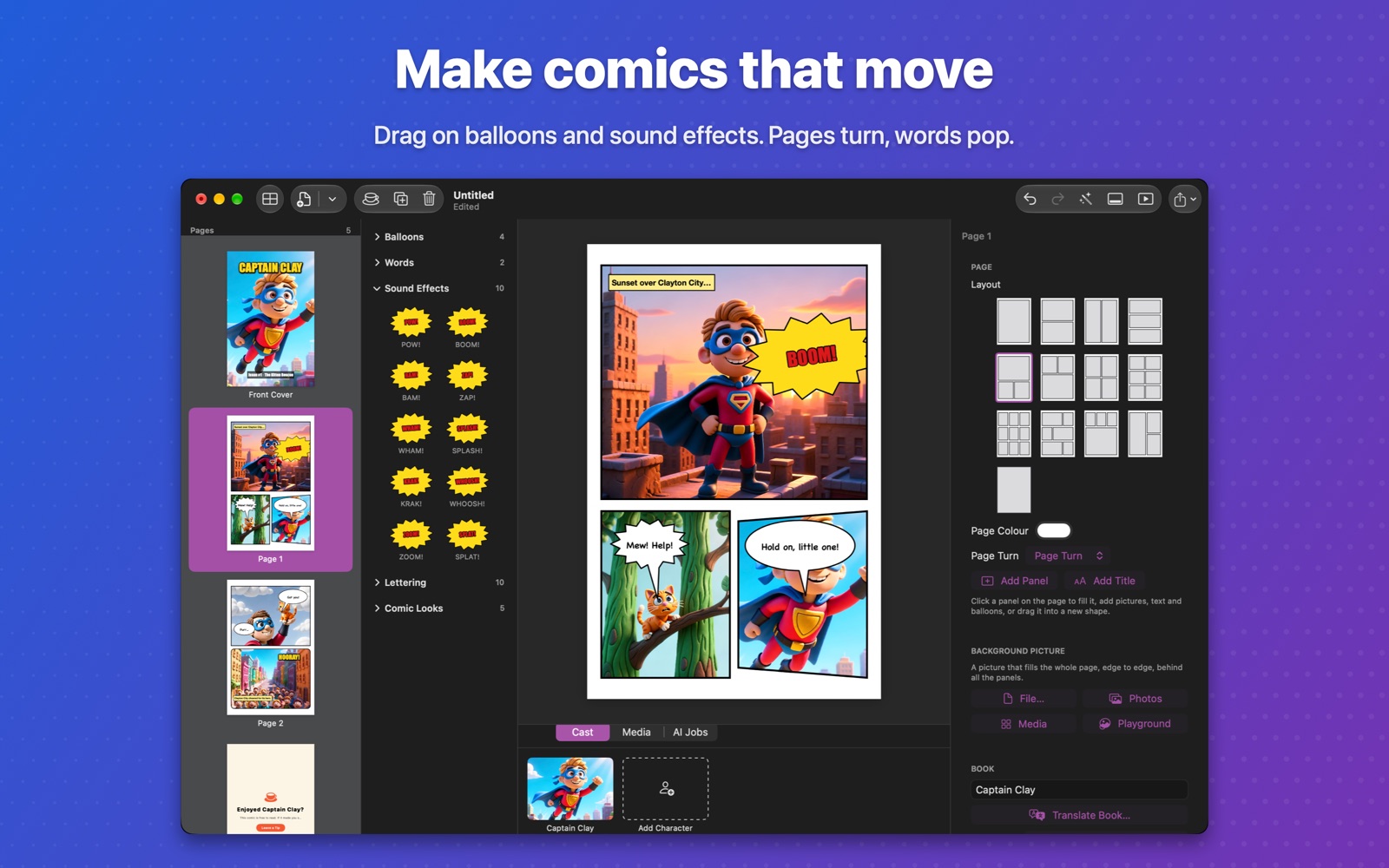
Make a comic, a flyer for your business, or a school project. Drag on speech balloons and sound effects, turn photos into comic art, and share it as a flip-book that plays on any phone. Draw pictures right on your Mac with Apple's Image Playground.
Not yet available.
See what you can make. Read these on your phone.
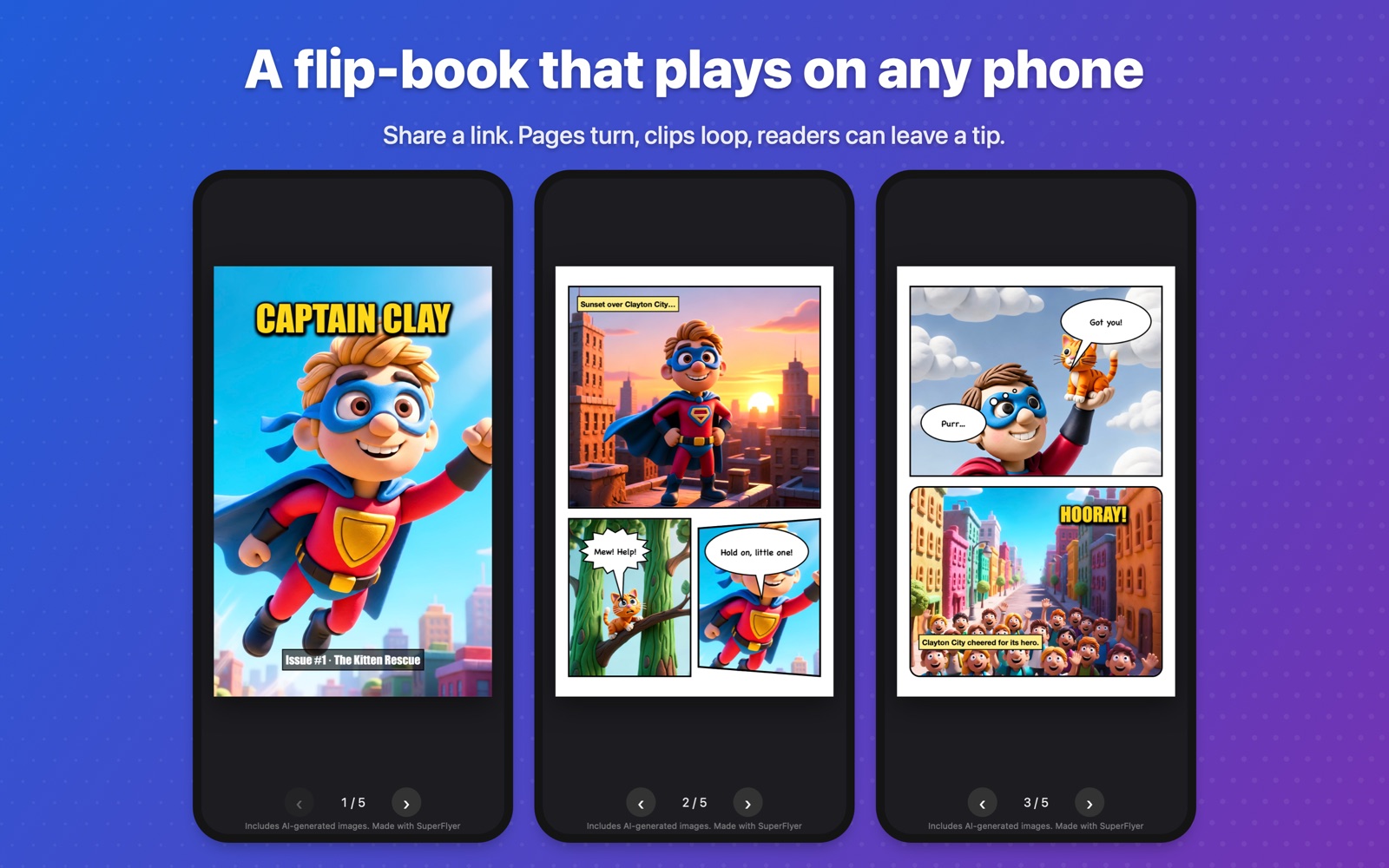
These three were made in SuperFlyer, with pictures drawn by Image Playground on a Mac. Open one, then swipe or tap to turn the pages. They're also inside the app as templates, ready to change.
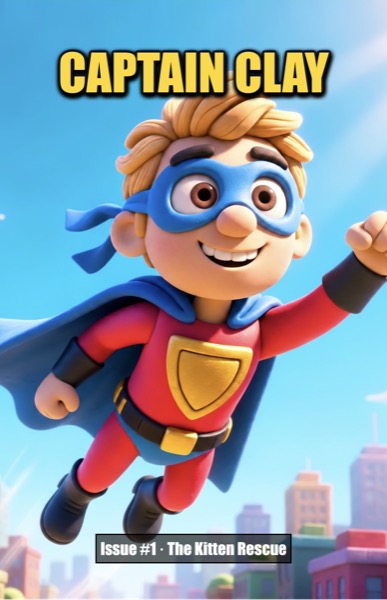 Captain Clay
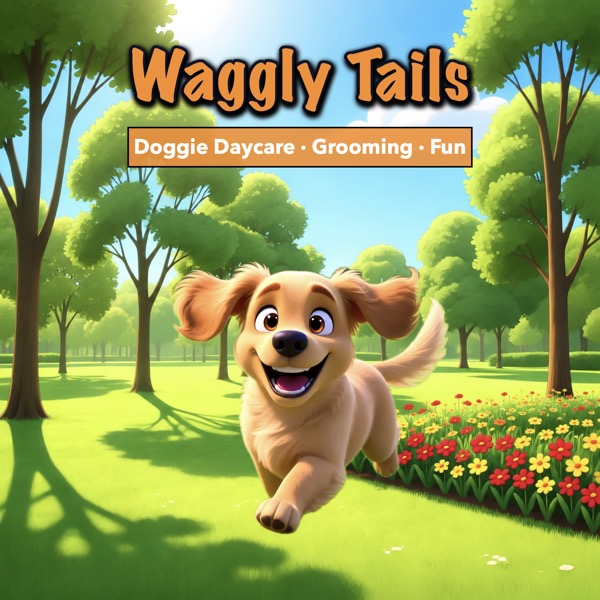 Waggly Tails Daycare
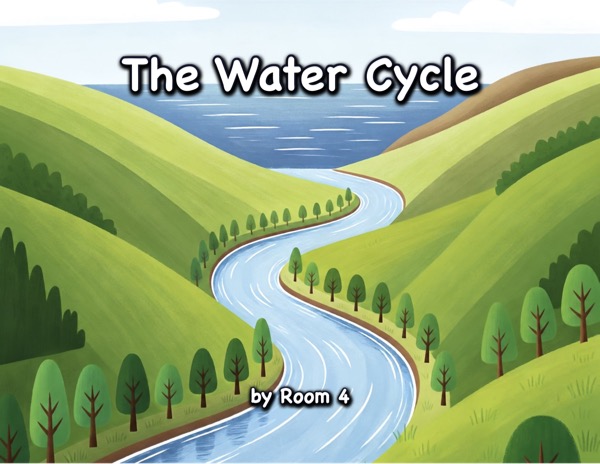 The Water Cycle
Drag it on. Undo anything.
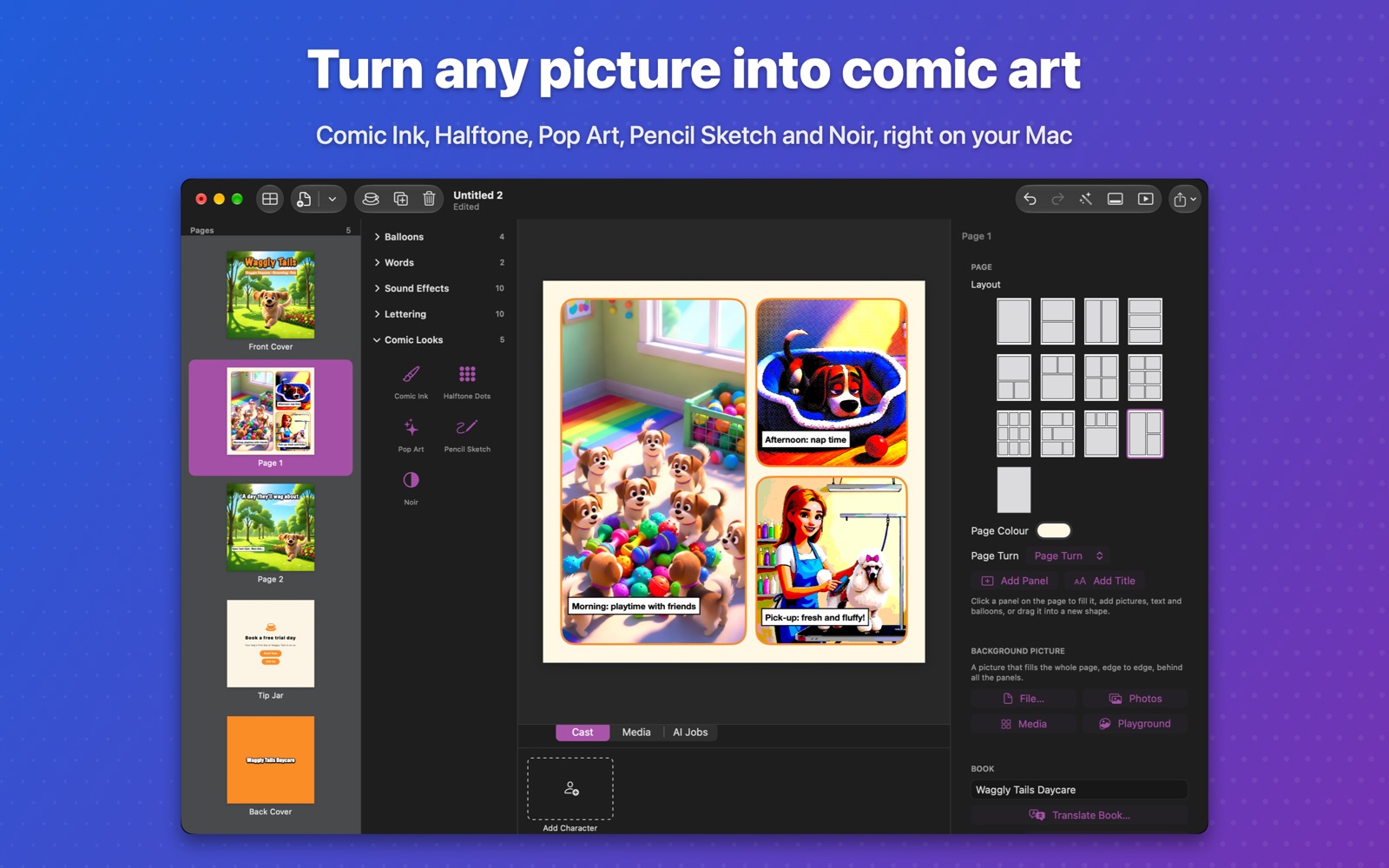
The effects palette holds speech, thought, shout and whisper balloons, captions, titles, and sound effects like POW!, BOOM! and SPLASH! Drag one onto a panel and it lands where you drop it. Every change can be undone, so try things.
Panels your way
Thirteen layouts, or drag panels anywhere. Square, rounded, oval or angled, with or without an outline.
Full-bleed backgrounds
Put one big picture behind the whole page and let it show through see-through panels.
Motion
Balloons pop in, titles pulse, pictures slowly zoom. Video clips loop inside panels.
Any font, any language
Every font on your Mac, filtered by language. Arabic and Hebrew read right to left.
Pictures, made on your Mac.
Draw a panel with Apple's Image Playground. Give a character a picture and SuperFlyer starts every new drawing from it, so they look the same from panel to panel. Turn photos into comic art with Comic Ink, Halftone Dots, Pop Art, Pencil Sketch and Noir, and lift a person or pet off their background with Cut Out Subject. All of it runs on your Mac.
Want more? Add your own OpenRouter key to draw with other image models, or turn a panel into a short animated clip. That's optional. Everything else works without it.
Share a flip-book that plays on any phone.
Export a flip-book: a small website where pages turn, balloons pop and clips loop. Put it online for free (SuperFlyer shows you how) and share the link. A Tip Jar page lets readers support you. You can also export a print-ready PDF or page images for social media.
Your comic in another language.
Translate Book makes a new edition with every balloon, caption and title translated into one of more than 20 languages, using Apple's translation on your Mac. Your original stays as it is.
Private by design.
No account, no analytics, no ads. Your comics stay on your Mac. Image Playground, translation, cut-outs and comic looks run on the Mac itself. Only if you add your own OpenRouter key do your prompts and pictures go to the AI service you choose. Privacy policy
Frequently asked questions
Is SuperFlyer really free?
Yes. Making, saving, exporting and sharing comics are free, with no account and no watermark beyond a small 'Made with SuperFlyer' line under flip-books. Image Playground drawings, comic looks, cut-outs and translation are free because they run on your Mac. OpenRouter image models are optional and are paid for with your own OpenRouter account.
Which Macs does it run on?
Macs with macOS 26 or later. Image Playground needs Apple Intelligence on an Apple silicon Mac; everything else works on any Mac that runs macOS 26.
How do I get my comic onto people's phones?
Export a flip-book. It's a folder (and a .zip) that works as a small website. Upload it to a free host such as Netlify Drop or Cloudflare Pages, or to your own site, and share the address. The export window has a step-by-step guide.
Can I use photos of people?
Use your own photos and pictures you have the right to use. For a character's reference picture, use a drawing, a photo of yourself, or an AI-made sheet, not photos of other real people without their permission.
Is it good for classrooms?
Yes. File ▸ New Classroom Comic starts a comic with all AI tools switched off. The Water Cycle example shows a step-by-step school project.